

By Jack Molisani, President, ProSpring Technical Staffing
Originally inspired by my article for the now-defunct Society for Technical Communication’s Intercom magazine
Most job seekers today know the frustration of applying online and never hearing back. You upload your résumé, hit submit, and the only thing you receive is silence.
You’re not crazy—your résumé probably never made it past the Applicant Tracking System (ATS).
What the ATS Does
Companies receive hundreds—sometimes thousands—of applications per job. They use software to sort, score, and reject résumés before a recruiter ever looks at them. The ATS doesn’t read your résumé the way a person does. It scans for keywords, job titles, and formatting patterns that match the employer’s criteria.
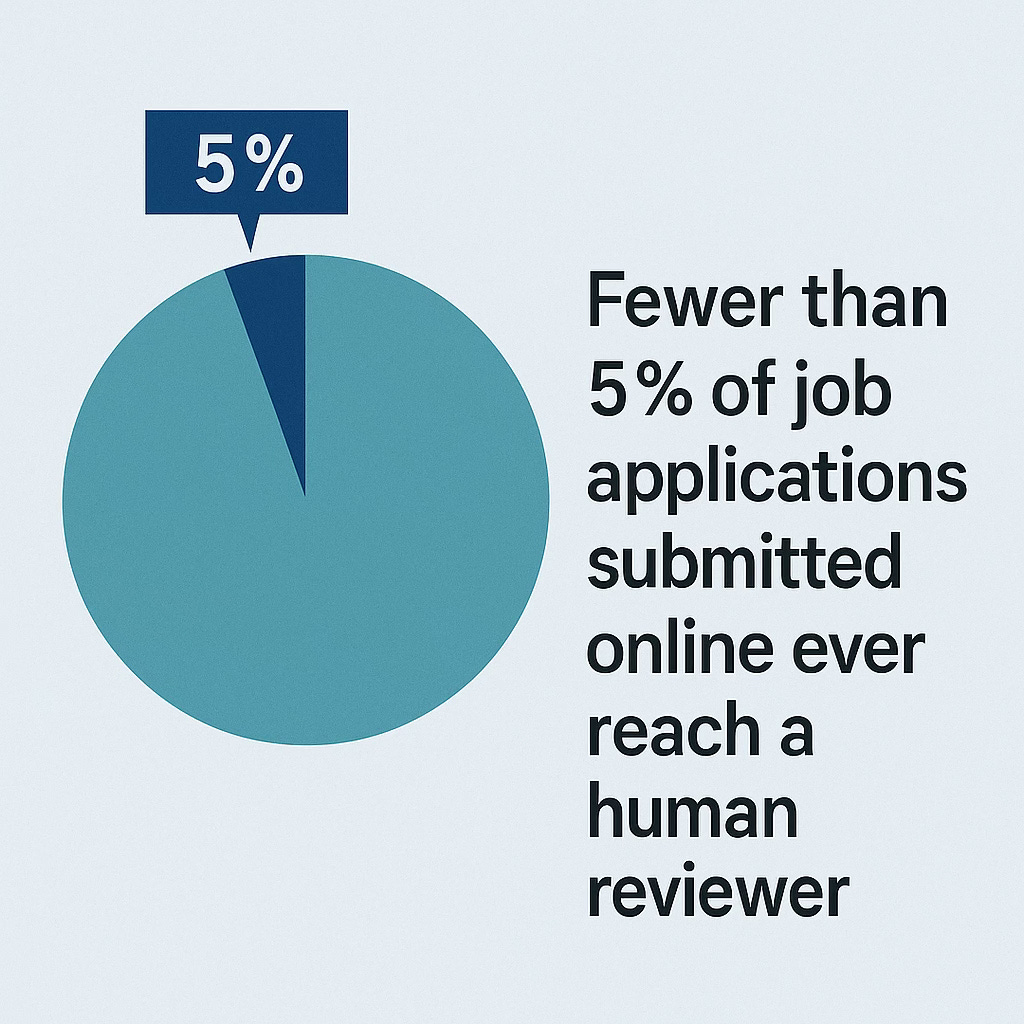
Industry estimates suggest only 2%–5% of all online applications ever reach a human reviewer.
That means 95%(ish) of applicants are eliminated automatically—often because of formatting quirks or missing keywords, not because they’re unqualified.
If you’re a technical writer or other content professional, this problem hits hard. You may have stellar skills—DITA XML, API docs, CCMS expertise—but if your résumé doesn’t align with how the ATS parses data, you’re rejected.
So how do you beat the system?
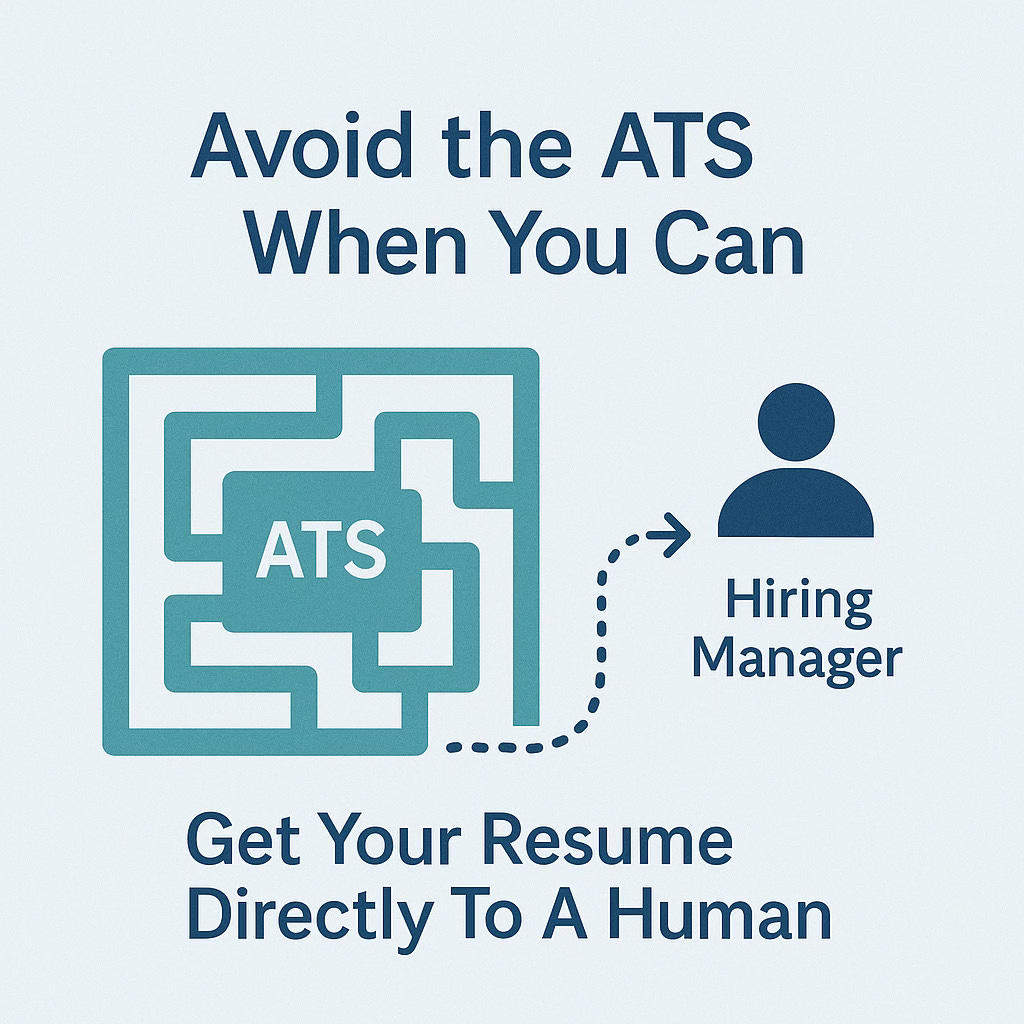
Strategy 1: Avoid the ATS When You Can
The best way to win is not to play.
When possible, bypass the ATS entirely. Find a way to get your résumé directly into a hiring manager’s or recruiter’s hands.
That could mean:
Asking someone in your network to refer you.
Sending a brief, polite LinkedIn message to the hiring manager expressing interest and offering to email your résumé.
Building visibility so opportunities find you before you even apply.
Referrals are gold. Hiring managers trust them, and they often let you skip the automated gatekeeper.
For technical communicators, professional communities—such as conference networks, Slack channels, or documentation user groups—can open doors far faster than job boards.

Strategy 2: Be Known Before You Apply
One of the best ways to bypass the ATS is to make yourself recognizable before a job opens.
Be active in the community. Share your work, present at conferences, write blog posts, answer questions online, volunteer, and connect with peers via social media. When hiring managers see your name in multiple places, you stop being just another résumé in a digital pile.
Visibility leads to credibility. And credibility opens doors.
If you’re a technical writer, start small:
Write an article about migrating content to DITA or Markdown.
Share lessons learned from improving your documentation workflow.
Contribute to open-source documentation projects.
The more you show up, the less you’ll need to rely on automated systems to recognize your value.
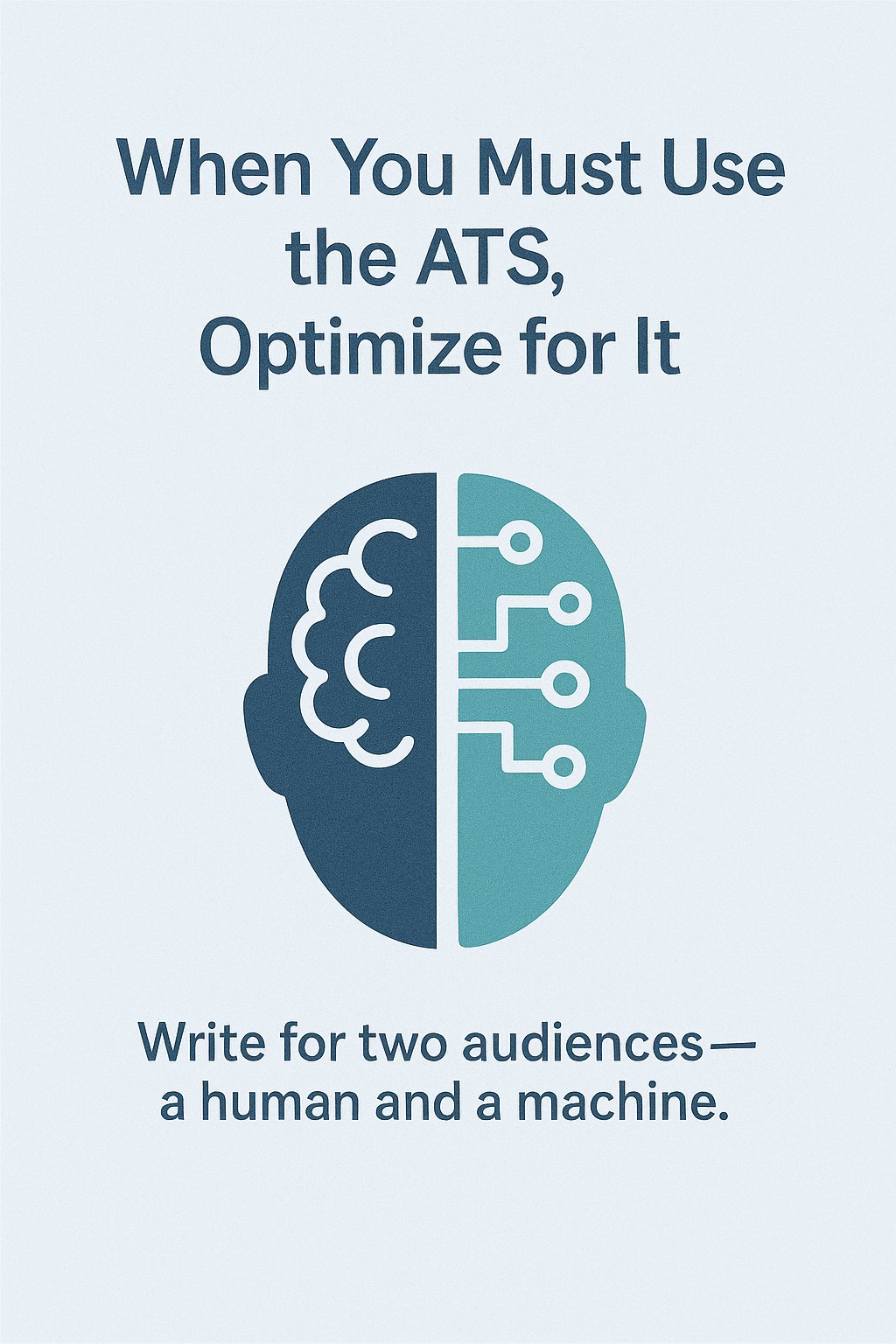
Strategy 3: When You Must Use the ATS, Optimize for It
Sometimes you can’t avoid the ATS. When that happens, you need to write for two audiences—a human and a machine.
Here’s how to make sure the machine doesn’t disqualify you:
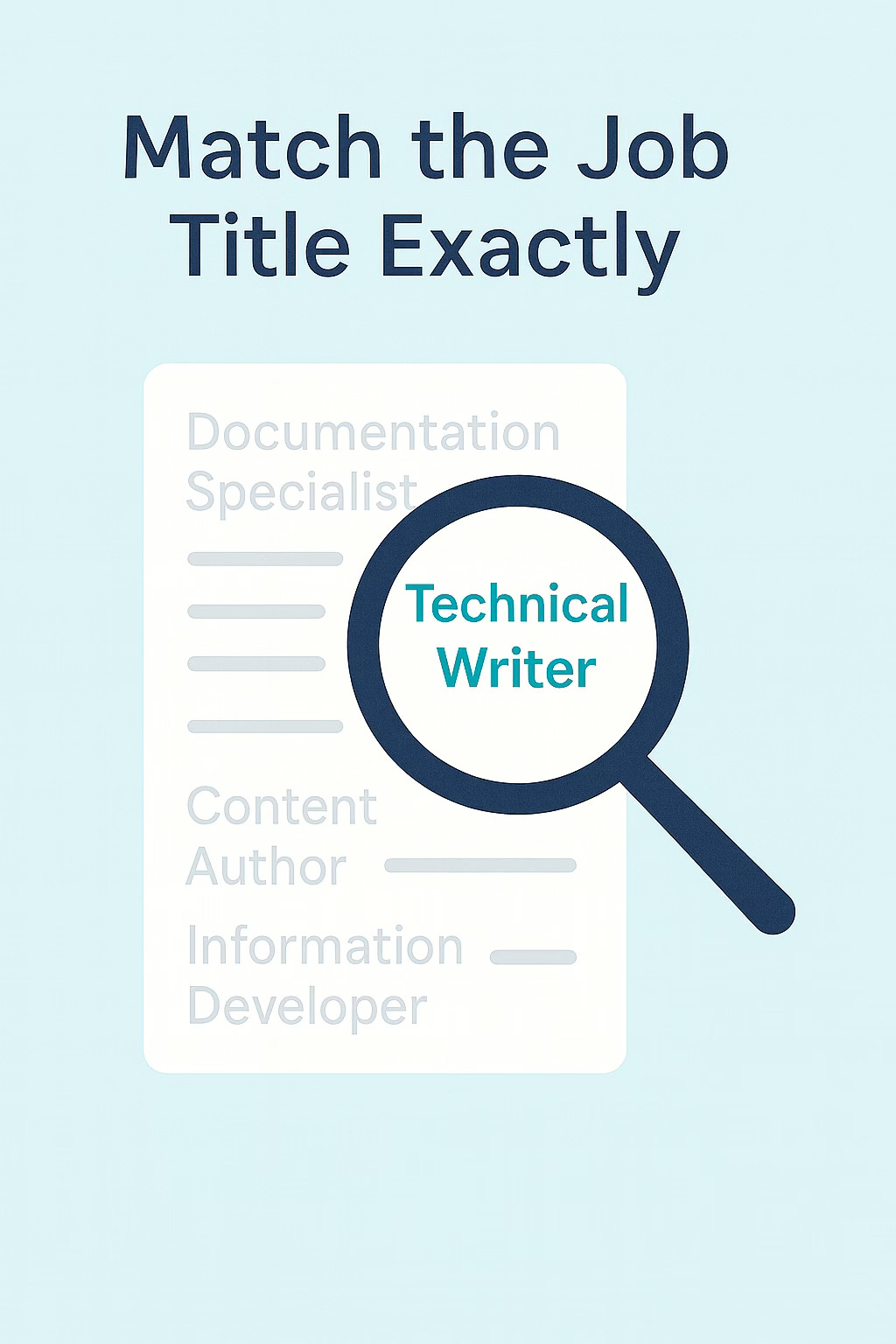
1. Match the Job Title Exactly
If the job title says “Senior Information Engineer,” don’t list your current job as “Senior Information Specialist.” The mismatch can lower your ATS score.
Use the exact job title from the posting as your title in your résumé. (You might say, “But that’s not my title!” True, but your first job is to get past the ATS. You can show another version of your resume with your actual job titles when you speak with a human.)
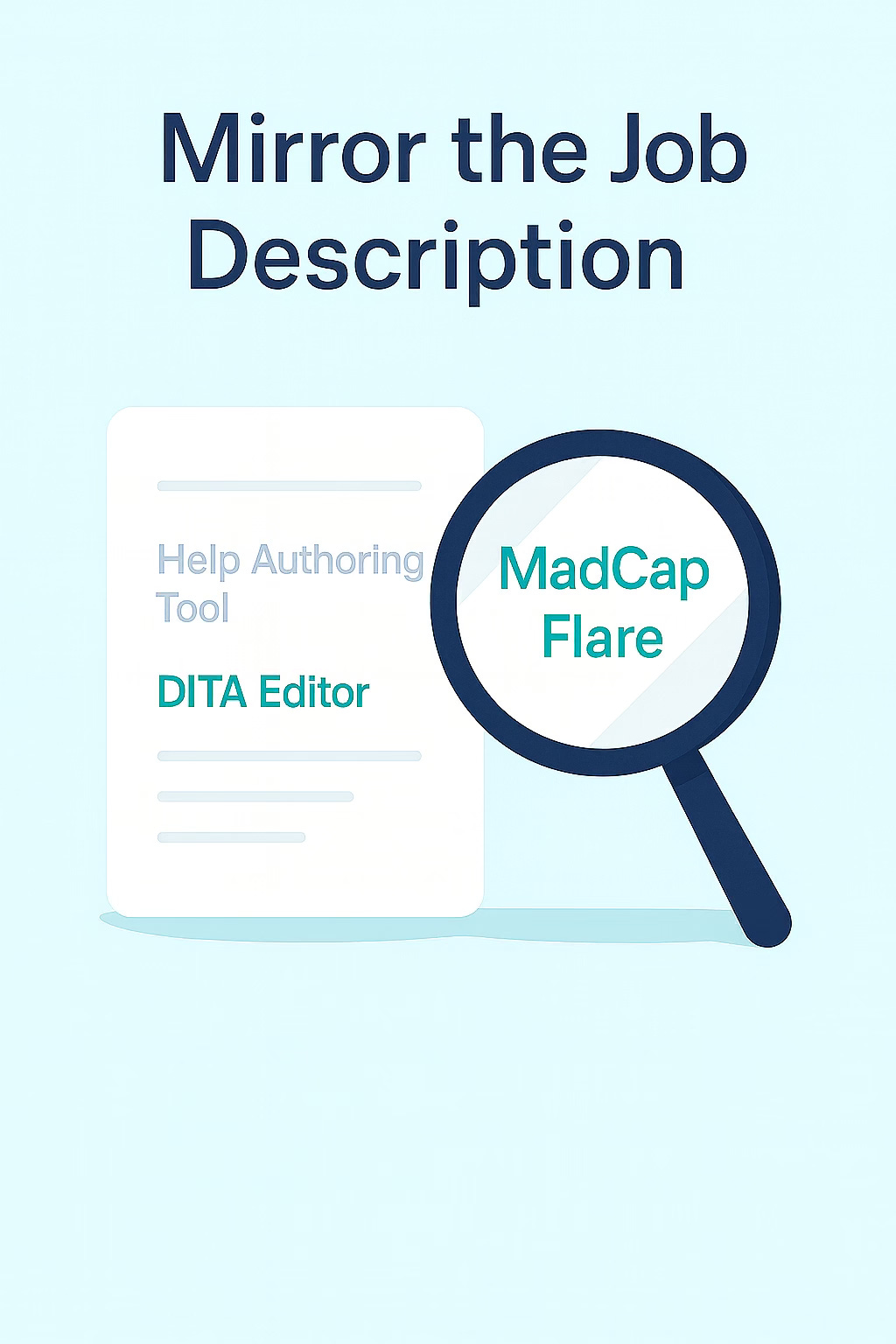
2. Mirror the Job Description
If the job calls for “MadCap Flare,” include that exact phrase—even if you’ve used a similar tool. The ATS isn’t smart enough to infer equivalence.
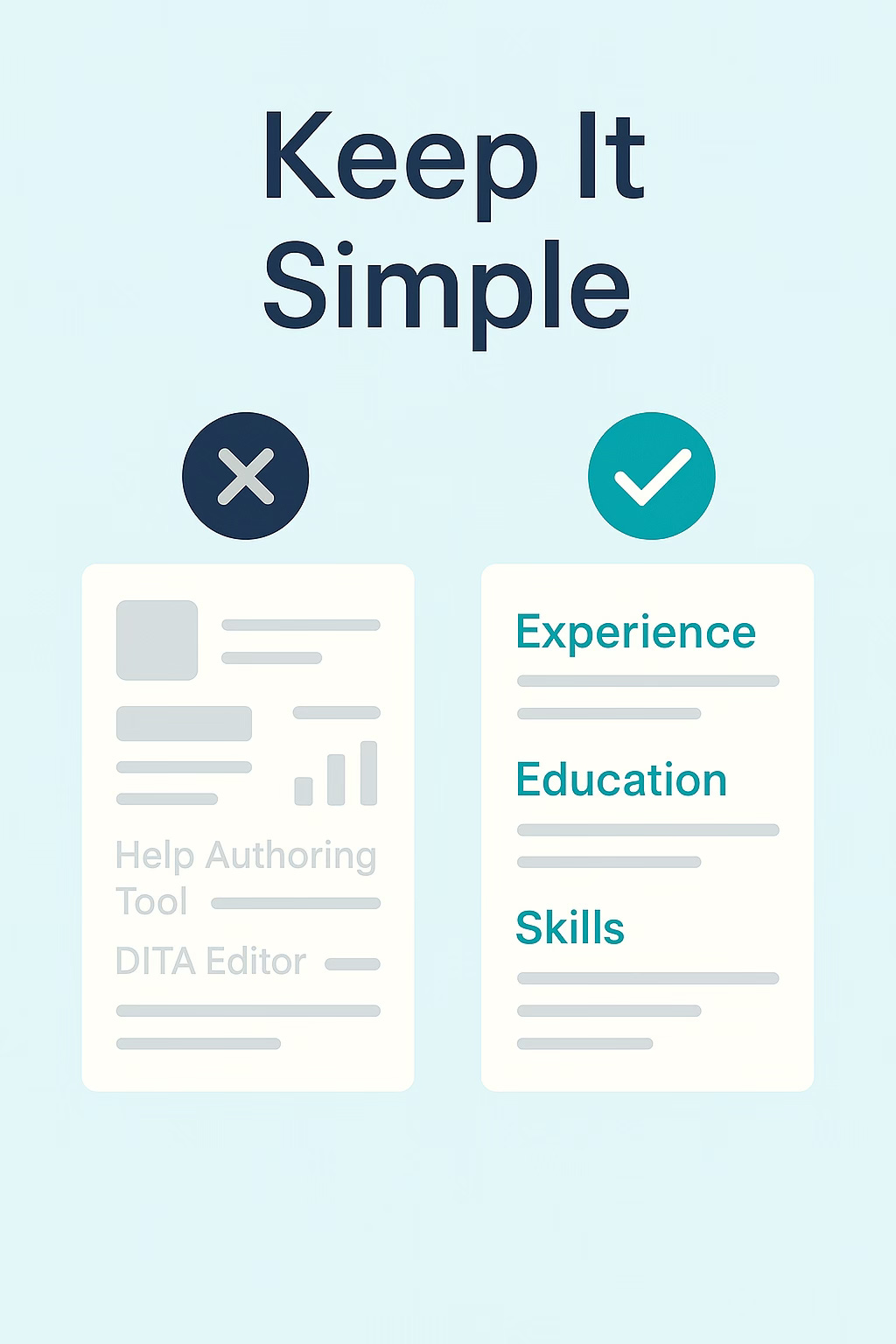
3. Keep It Simple
ATS software struggles with fancy formatting. Avoid:
Tables, columns, and graphics
Logos or icons
Headers and footers
Keep your résumé in clean, left-aligned text. Use standard section headers like “Experience,” “Education,” and “Skills.”
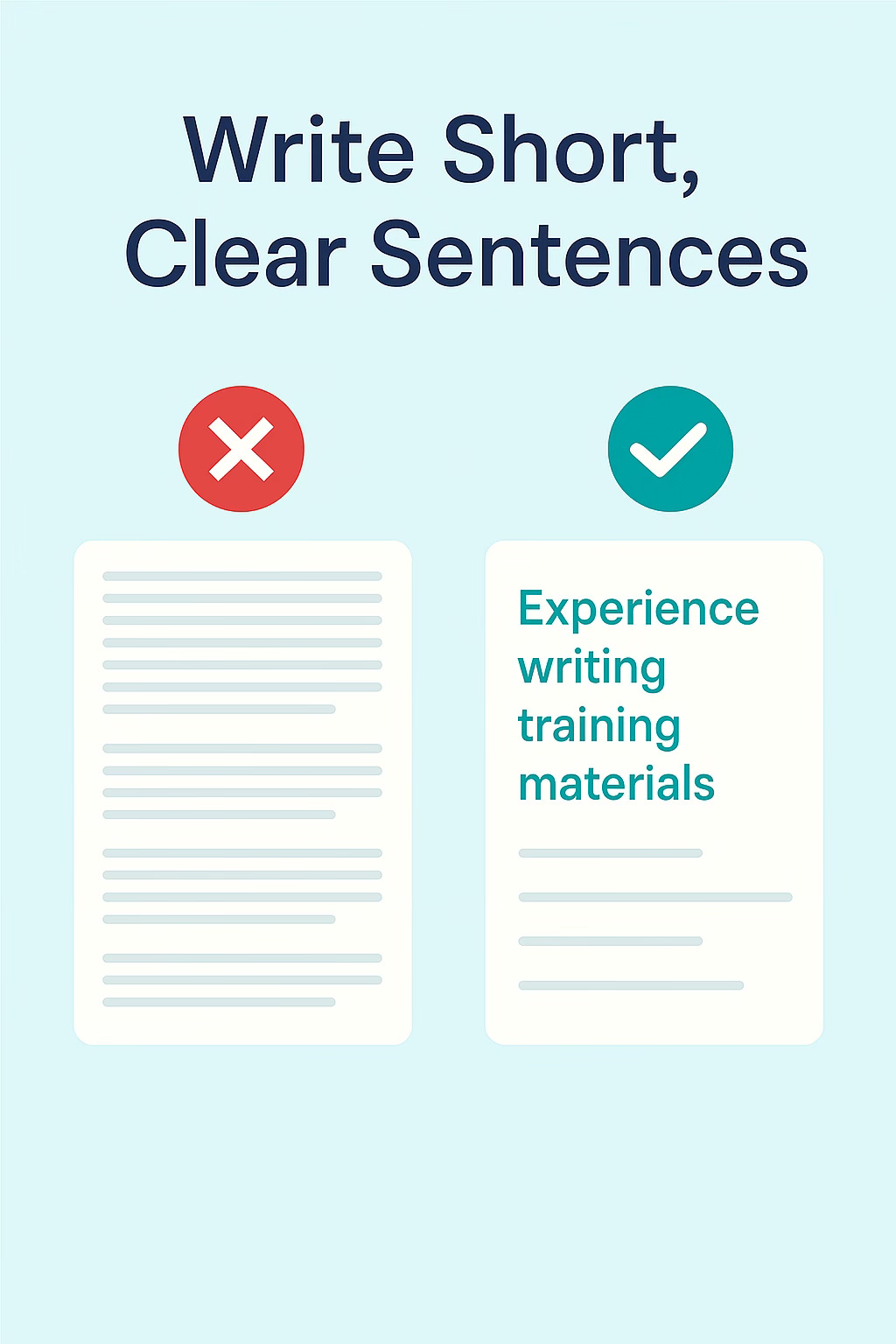
4. Write Short, Clear Sentences
If the job description lists “Experience writing training materials,” include that exact line. Long, narrative sentences can hide keywords from the parser.
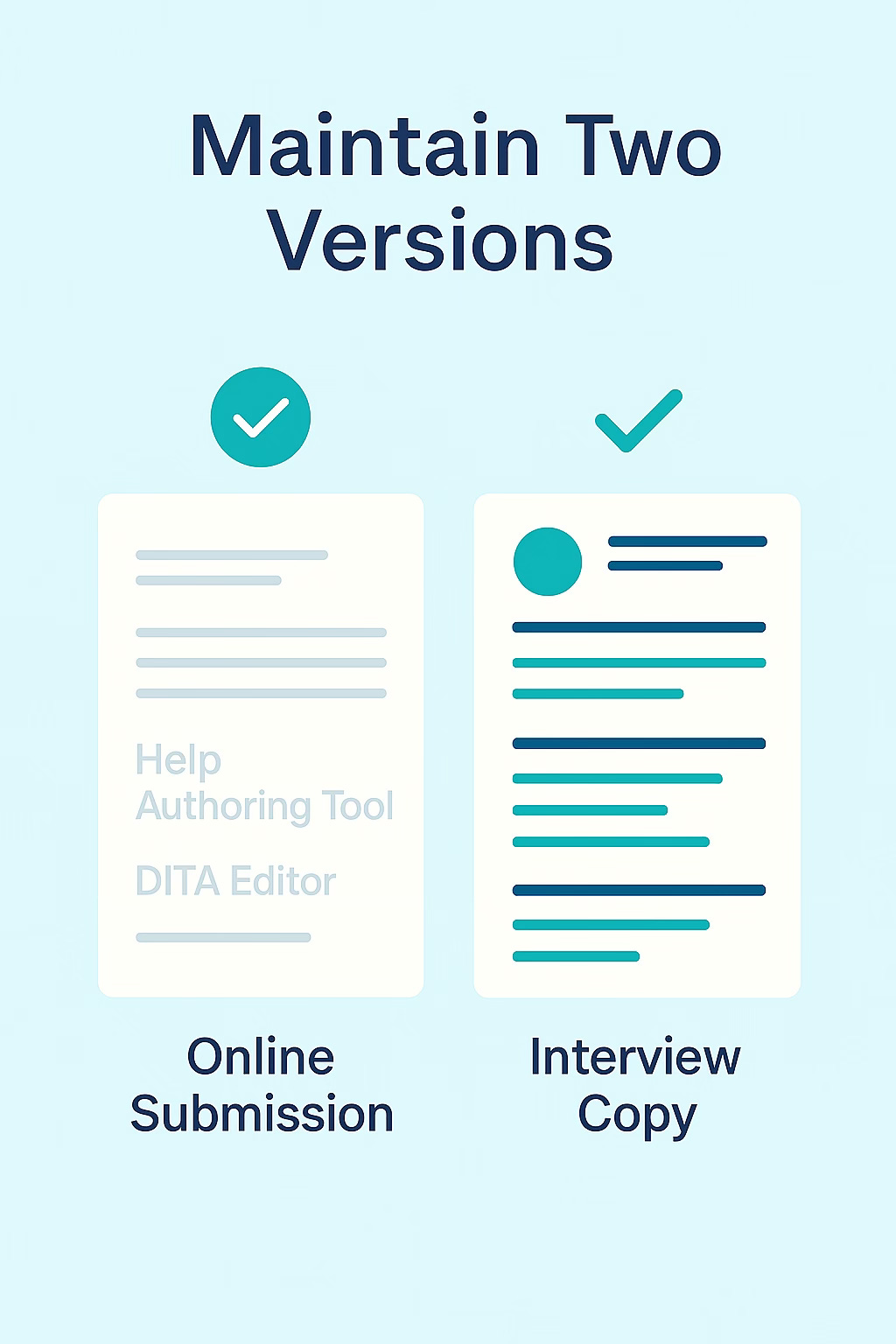
5. Maintain Two Versions
Keep a clean, text-only résumé for online submissions and a nicely formatted version for humans. Upload the plain version; bring the polished one to interviews.
Why This Matters
For technical communicators, clarity and audience awareness are core skills. Beating the ATS is an exercise in both.
Your résumé has two audiences:
A machine that filters based on rigid logic.
A human who wants a clear, engaging story about your experience.
The goal is to write for both—without sacrificing meaning or professionalism.
If your résumé fails to pass the system, your expertise in structured content, API documentation, or usability won’t matter. You’ll never get the chance to tell your story.

4 Tips from a Recruiter’s Desk
After two decades placing technical writers and other content professionals, here’s what I tell every job seeker:
Scan before you send. Use résumé-checking tools to test how your document scores against the job description. Search the internet for “is my resume ATS friendly” to find a tool in which you can post your resume and the job description. The tool will show how well the ATS will grade you as a match.)
Keep a “keyword library.” Maintain a master list of tools, skills, and frameworks you’ve used. Tailor each résumé with the terms that match the posting.
Don’t bury the essentials. List tools and platforms in plain text. Example: “DITA XML, Oxygen XML Editor, MadCap Flare, GitHub, Jira.”
Never upload a PDF unless requested. Some ATS systems parse text more accurately from Word or plain-text files.
The Bottom Line
If you take nothing else from this post, remember this: don’t rely on the ATS to recognize your value.
Build connections. Be visible. And when you must submit online, write like a tech communicator—structured, clear, and keyword-smart.
The goal isn’t to trick the system. It’s to make sure your skills have a fair shot at being seen by a person who can say yes.
Jack Molisani is the President of ProSpring Technical Staffing and Executive Director of The LavaCon Content Strategy Conference.
Sage advice from a noted professional recruiter who comes with a wide background in technical communication.
In a way, this makes searching for a job almost a full-time job itself.
The AI reviewing system is flawed--deeply flawed. Sure, it's looking for keywords, but I recently viewed a post on LinkedIn for the exact position I have (in the same company) and while it helped me fine tune my profile, it still told me I wasn't qualified for the job--I sent feedback saying that maybe their AI could recognize that someone already has the position and they're just looking at it (or it came up first in the list and was automatically displayed).