

A few years ago I asked a technical documentation manager what customers were struggling to find. She didn’t show me a dashboard. She opened a spreadsheet.
Near the top were searches for things like “reset password,” “export data,” “SSO,” “change email address,” and “talk to support.” Nobody in the room found the list particularly surprising. Support had heard the questions before and product managers knew which features generated the most complaints. The writers recognized several topics they had updated repeatedly.
What surprised me was how little of this information appeared anywhere else. The content audit didn’t mention it. The analytics reports didn’t mention it. The quarterly review didn’t mention it.
The search logs did.

What Do Search Logs Tell Tech Writers?
Page views tell us what people open. Support cases tell us which problems are expensive. Customer surveys tell us how people feel about the experience we provide.
Search logs show what people went looking for. They tell us what people were trying to accomplish when they stopped looking through menus, scanning headings, or clicking links and — finally — decided to ask for help.
One of the surprises in search data is how often people search for information that already exists. The customer searches for "login problems." The documentation discusses identity federation. Someone searches for "files aren't updating." The product team calls the feature workspace synchronization.
Why Do People Search For Information That Already Exists?
If you have worked in tech pubs for very long, you have probably heard somebody say, “But it’s already in the documentation.”
Quite often, it is.
But, the customer searches for “login problems,” while the documentation discusses those issues in a section on identity federation. Someone searches for “files aren’t uploading,” while product team refers to file uploading as workspace synchronization.
Sometimes:
👉🏾 the search engine never connects the question to the article
👉🏾 the search results appear, but the customer doesn’t recognize the title as relevant
👉🏾 the customer discovers that the instructions no longer match the product
Search logs aren’t magical — they don’t always tell us which of these things happened. But, they do tell us where people stopped browsing and clicking links, and when they started asking questions.
Over time, those searches can reveal patterns. Customers use different terms than the product team. Support describes problems differently than engineering. Employees continue searching for procedures that changed years ago. People search for retired product names long after the rebranding is complete.
The information may exist. The question is whether people can find it, recognize it, and trust it.

What Can Internal Search Logs Reveal?
Internal search data often tells a different story than customer searches.
Employees search for reimbursement policies, approval procedures, software access instructions, onboarding materials, travel policies, and vacation rules. The information often exists in several places.
HR has one document. Finance another. Managers explain the process differently depending on who you ask. The knowledge base still contains the previous version that may or may not be accurate. Somebody updated a SharePoint page three years ago that people still trust more than the official policy likely because no one can find it.
Years ago I heard somebody say that writers are often asked to document organizational confusion. I have thought about that comment many times while looking at internal search logs.
People continue searching because they are trying to determine which answer is current, which answer is official, and which answer they will be held accountable for following.
In those situations, the search data is not telling us that information is missing. It is showing us where departments disagree, ownership is unclear, or the organization itself has not settled on a single answer.
What Does AI Add To The Picture?
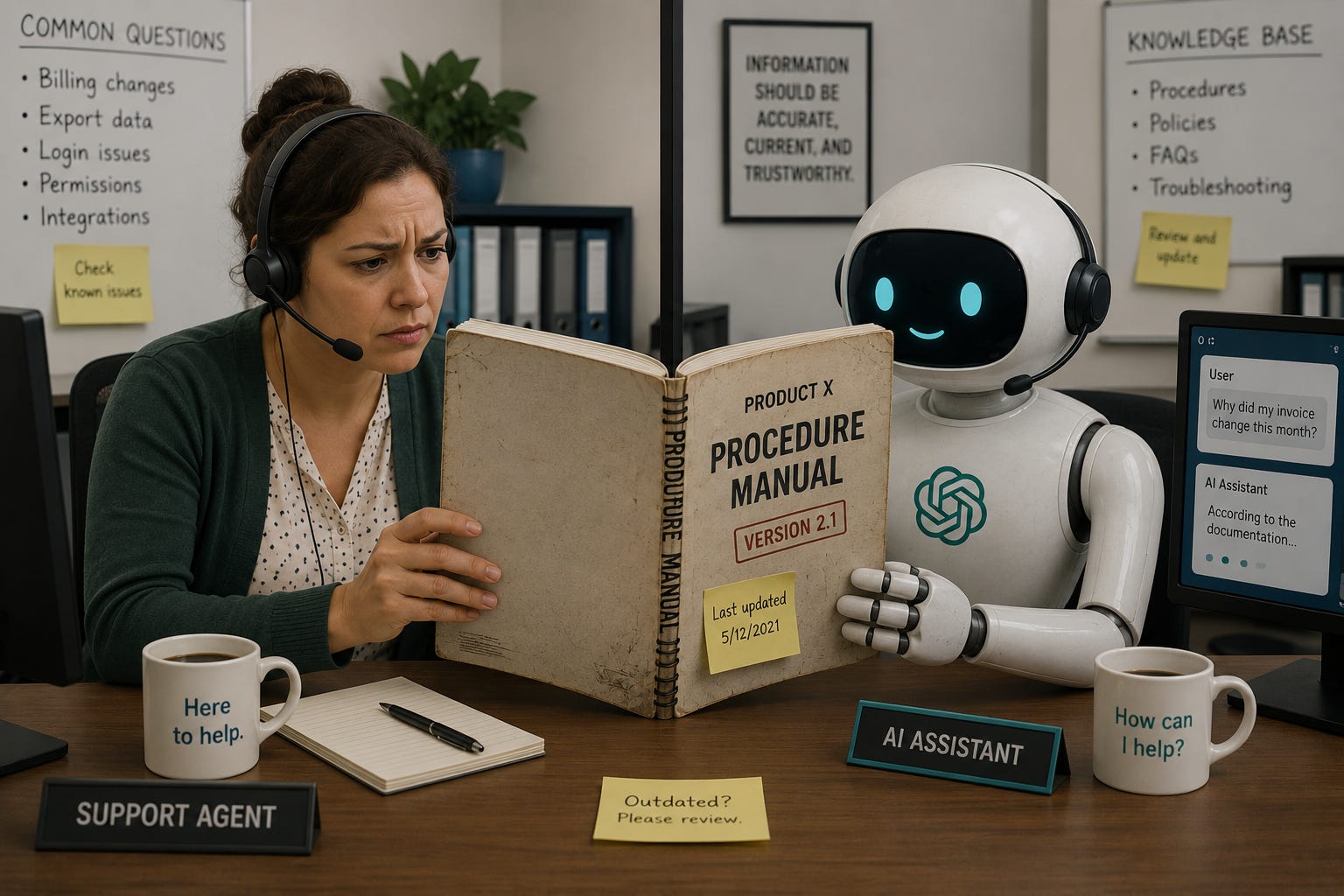
Leaders are starting describe these issues as AI problems.
👉🏾 The chatbot retrieved the wrong article
👉🏾 The answer reflected outdated information
👉🏾 The response missed an important condition or relied on terminology that nobody outside the company uses
Writers have seen these problems before
Support has been answering the same questions for years. Customers search for retired product names while employees try to determine which procedure is current.
The difference is that people ask AI systems longer questions. Instead of searching for “billing,” they explain why the invoice changed. Instead of “export data,” they describe the permissions problem that appeared after the export.
Those questions contain more context, but they often lead back to familiar issues. Several groups describe the same process differently. The product changed while the documentation didn’t. The official terminology differs from the language customers use.
Search logs have been recording many of these problems for years. AI systems are simply encountering them one conversation at a time.
What Should Tech Pubs Groups Look For?
Most help systems, knowledge bases, developer portals, and support sites already collect search data. Very little of it appears in management reports.
A tech comm manager reviewing search logs might discover that customers continue using a product name that disappeared two releases ago. A doc shop may learn that support and engineering use different terms for the same feature. A content operations team may find that employees search repeatedly for procedures that technically exist but no longer match the way the organization works.
The logs do not tell us exactly what to write next.
They do tell us where people stopped, what words they used, and which questions keep coming back.
That seems like a useful place to begin. 🤠