

You know that sinking feeling when someone tells you AI is coming for your job? Relax. AI isn’t here to replace you. It’s here to make sure you stop spending your days alphabetizing table columns and re-wrapping DITA tags like some Dickensian orphan hunched over a laptop.
So, in the spirit of self-preservation (and maybe self-respect), let’s talk about the top five ways tech writers can put AI co-pilots to work—before a younger, shinier, AI-savvier writer takes your seat.
These top five examples are drawn directly from real-world users of the Heretto CCMS co-pilot, Etto.
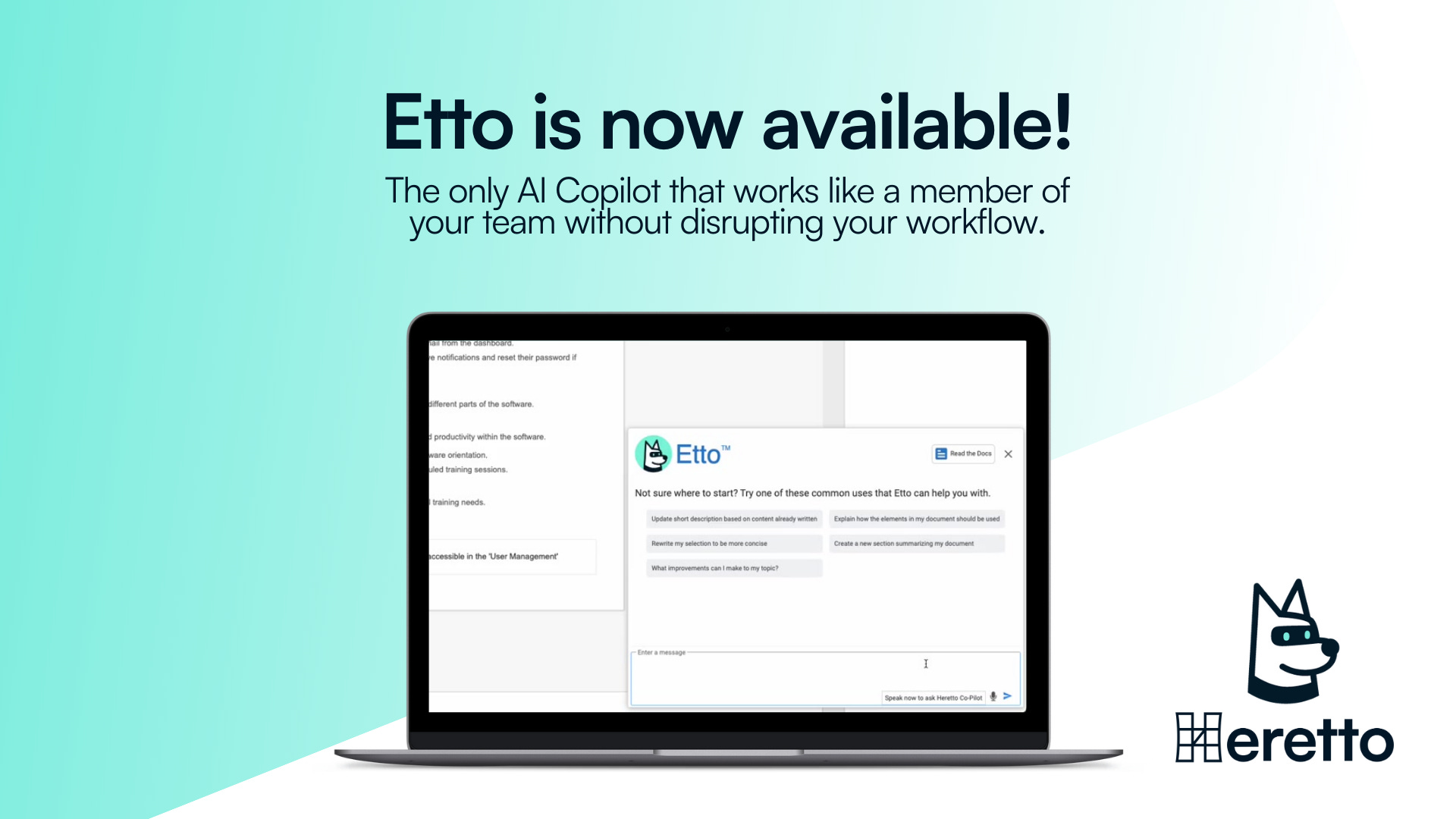
What are AI-powered co-pilots, anyway?
Tools like ChatGPT, Claude, and Gemini are stand-alone general-purpose AI assistants. They live outside your workflow, which means using them often involves copying and pasting content back and forth—an extra step that slows things down, introduces errors, and breaks your focus. These tools can answer questions, summarize documents, and help generate content. But they’re not copilots.
Copilots are different. They’re built right into the tools we actually use—our component content management system (CCMS), our XML editors, our authoring environments. They understand our content rules, our reuse strategy, our taxonomy—and they can act directly on the documentation.
AI co-pilots are not a replacement for human writers. They’re assistive partners—they’re tools that help you do your job more efficiently without taking creative control away from you.
Think of it like an extra set of hands and eyes that works alongside you.
While the use cases are solid and may apply to other co-pilots, what you’ll read here comes straight from working tech writers putting Etto to use in their daily content operations. This article also includes few additional ways co-pilots could be used by tech writers, since the tools are evolving fast — and I expect these capabilities to become standard in the future, if they aren’t already.
1. Analyzing and Improving Content
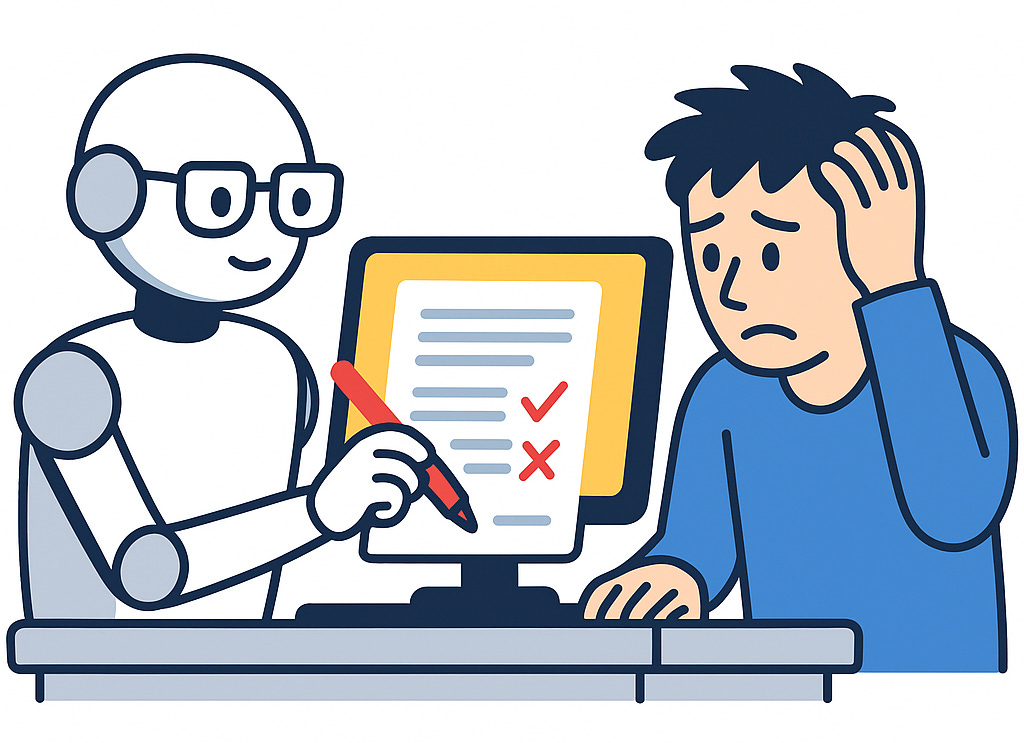
Think of this as spellcheck on steroids. AI can police your your content to ensure it follows style guide rules, spot awkward phrasing, split long sentences into lists, and politely tell you that your 60-word title is not, in fact, a title.
If you’ve ever tried editing content from a non-native speaker and thought, “This sentence has three verbs and no survivors,” AI can tidy it up while you sip coffee and pretend you’re mentoring.
2. Restructuring Content
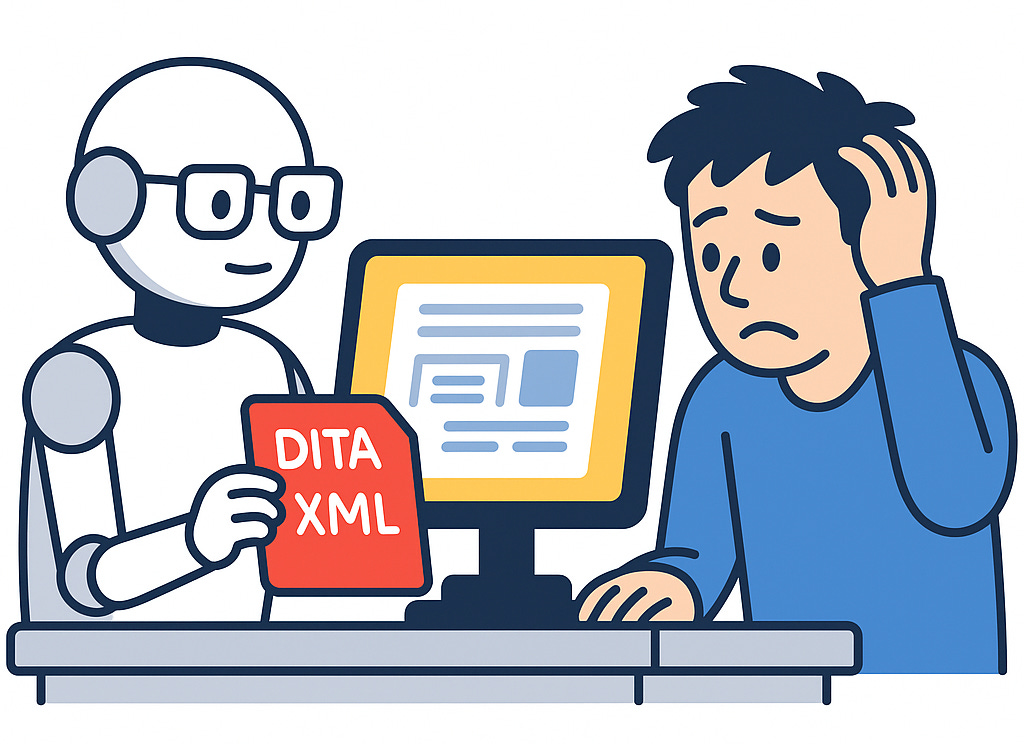
AI doesn’t just read your stuff—it can rearrange it too. Converting unstructured blobs into tidy DITA XML, wrapping content in tags, and reformatting until your messy draft looks like it was written by a machine (spoiler: it was). Basically, AI is your unpaid intern who actually listens to instructions.
3. Performing Table Gymnastics
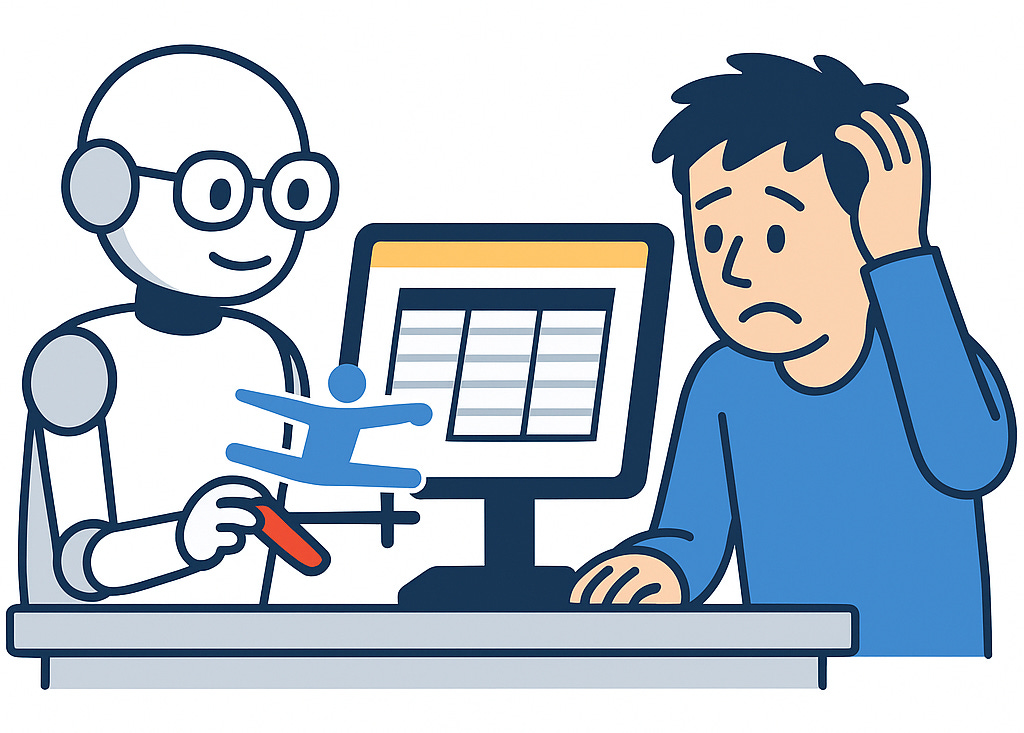
If you’ve ever lost 45 minutes fighting with merged cells, welcome to liberation. AI co-pilots like Etto can swap lists for tables, resize columns, alphabetize rows, and bold headers—all without you swearing. It’s like having an Olympic gymnast living in your toolbar, except this one doesn’t pull a hamstring during the demo.
4. Enriching Content with Semantics and Metadata
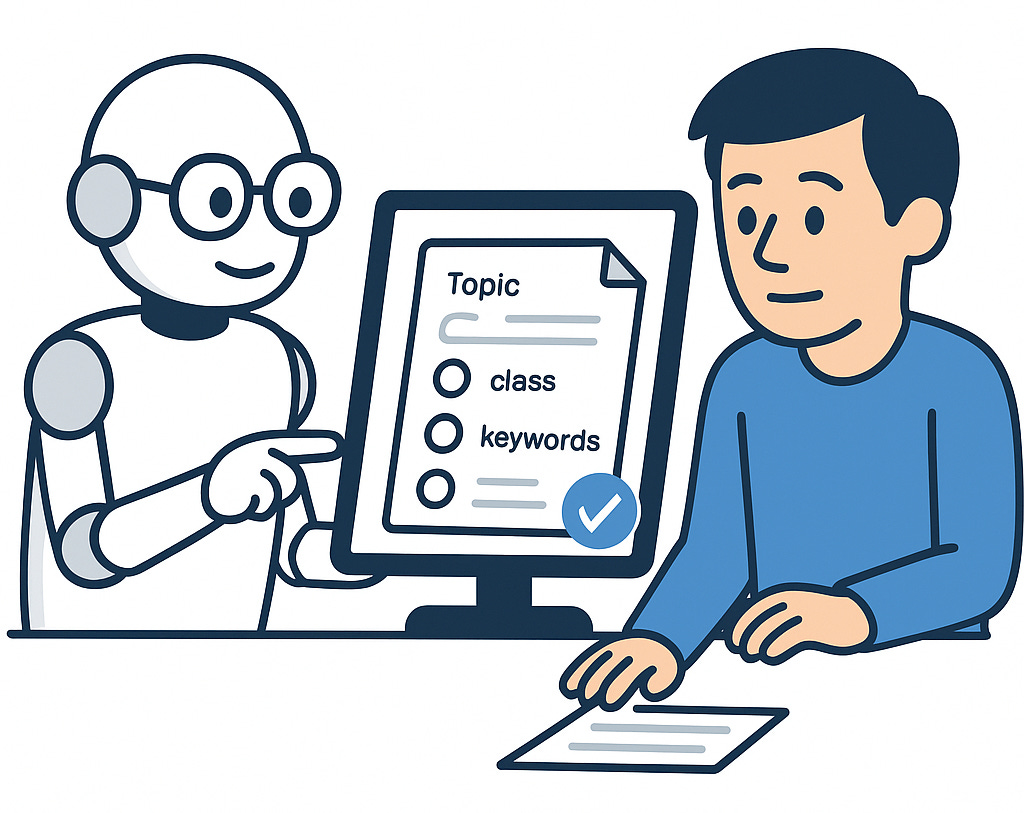
Remember when metadata meant filling out fields you never looked at again? AI co-pilots actually make it useful. They can wrap content in DITA elements, assign attributes, and generate keywords based on your topic. Suddenly your docs aren’t just readable—they’re machine-readable. And that’s the kind of sexy talk search engines understand.
5. Guiding the DITA Newbies
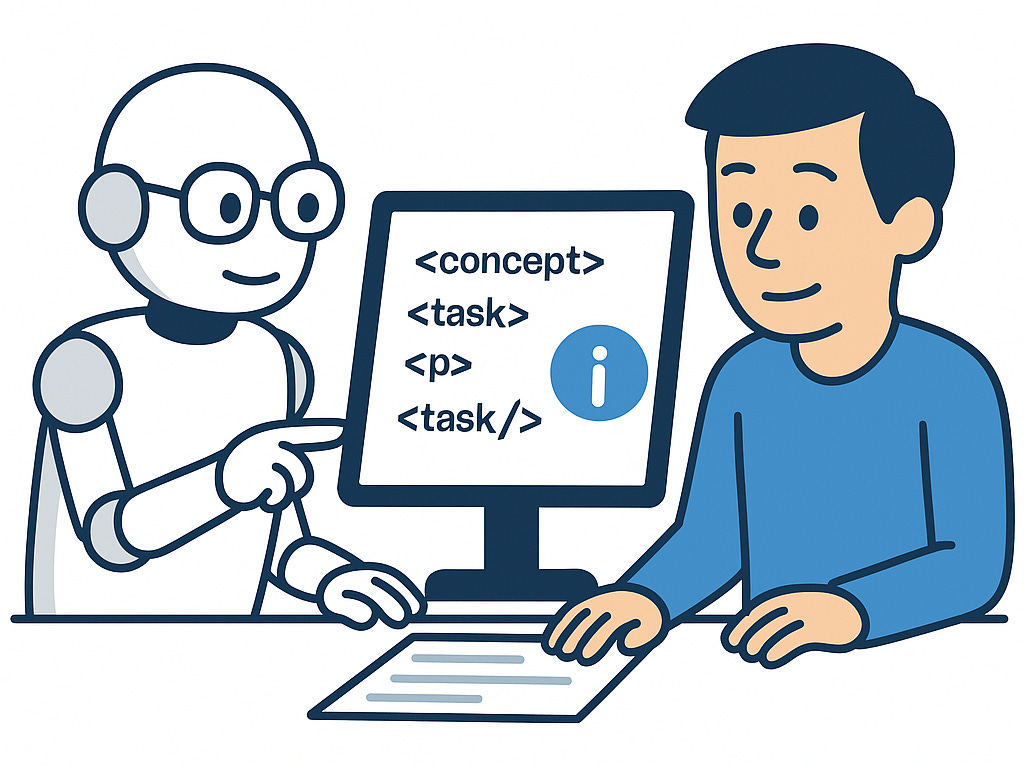
Nothing says “career highlight” like teaching someone how to nest <task> under <concept>. AI can do that for you. It answers DITA XML questions, builds sample structures, and explains concepts without sighing loudly. Think of it as an endlessly patient mentor who won’t complain that you’ve asked the same question five times.
Other Practical Uses
Beyond the top five, here are a few additional ways AI co-pilots can add value:
Generate content from tickets – Automatically draft topics or task steps directly from Jira support tickets, reducing manual copy-paste and speeding up turnaround time.
Find tone inconsistencies and content quality issues – Scan large sets of docs for mismatches in voice or tone, helping teams maintain consistency across writers, projects, or product lines.
Spot opportunities for reuse across product information sets – Identify duplicate or overlapping content that can be modularized and reused, cutting down on redundancy and long-term maintenance.
Identify content appropriate for specific experience levels – Flag whether content is written for beginners, intermediates, or experts, so documentation can be better tailored to different audiences.
These uses may not make the headline list, but they solve real-world problems that consume time and introduce risk. By automating these tasks, co-pilots give tech writers more bandwidth to focus on higher-value work—like designing information architectures, creating reusable patterns, and improving customer experience.
Let AI Handle The Grunt Work
AI isn’t stealing your job. But the tech writer who learns to wield it? They just might. So instead of clutching your printed style guide like a security blanket, let AI handle the grunt work while you focus on writing the good stuff—the kind of content that makes users thank you, or at least not curse you on Facebook.
Because really, wouldn’t you rather spend your day writing something meaningful than arguing with a table cell about its right to exist? 🤠