

Tech writers don’t need generative artificial intelligence (AI) to become more productive. We need fewer unnecessary little chores — and fewer opportunities to type the same sentence over and over. And, we need fewer formatting rituals, information scavenger hunts, and process breakdowns disguised as “just the way we do things around here.”
That may sound less exciting than a keynote about AI reshaping civilization before lunch. But it has the distinct advantage of being true.
A great deal of productivity improvement can be achieved by removing friction from our work itself. Not from adding a robot on top of a mess and hoping — 🤞 — for the best. And, not from asking a language model to draft accurate prose while the rest of the workflow remains an obstacle course.
The good news is that tech writers have plenty of non-AI ways to work faster, more accurately, and with a lot less daily annoyance.
Start With The Repetition That Is Draining Your Soul
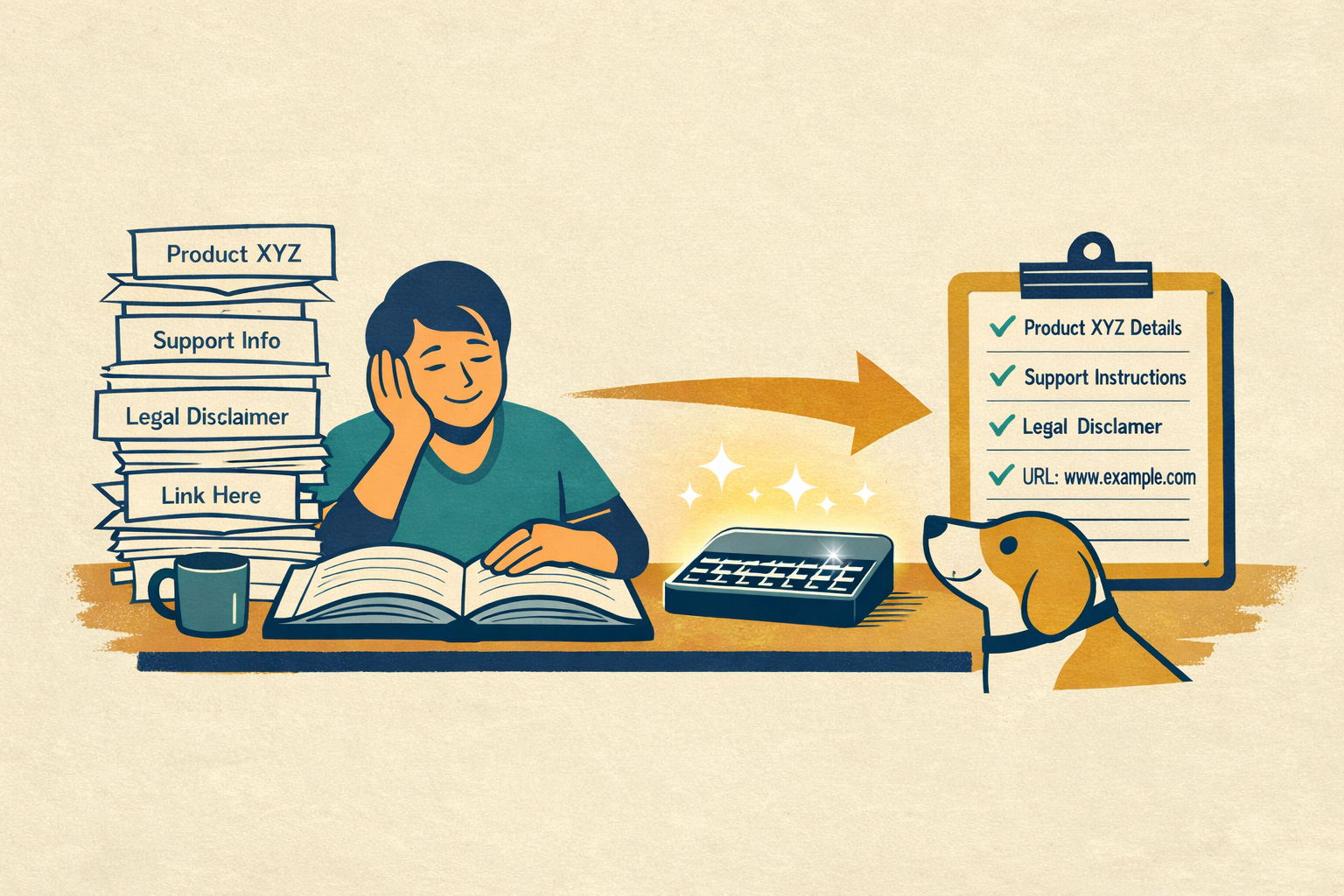
Take text expanders. They aren’t glamorous. Not at all! Nobody is going to introduce them onstage while dance music throbs and somebody from marketing uses the phrase “transformational workflow acceleration.” But they work.
If you regularly type the same product names, disclaimers, support instructions, links, trademark language, or stock email replies, a text expander can save time and reduce errors. Instead of retyping boilerplate from memory and making a fresh mistake because your brain checked out at 3:40 p.m., you type a shortcut and approved text appears instantly.
That’s not flashy; it’s helpful.
And text expanders point to a larger truth: if you keep writing the same things by hand, you probably don’t have a writing problem. You have a reuse problem.
Reuse Is Not Laziness. It Is Maturity.
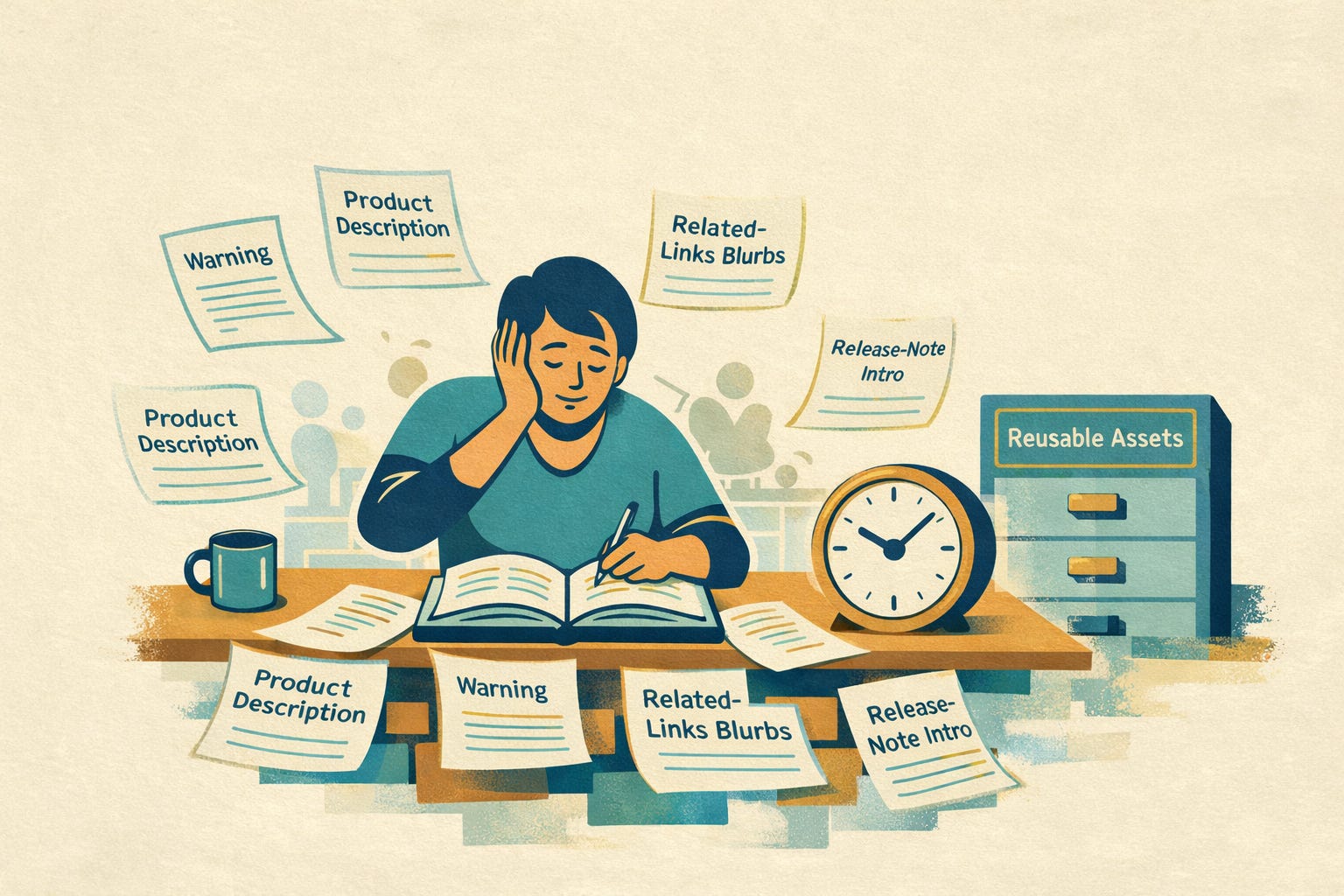
Tech writers typically spend far too much time recreating material that should already exist as a reusable asset:
Prerequisites
Warnings
Note language
Standard procedures
Product descriptions
Related-links blurbs
Release-note intros
If we rebuild that material from scratch every time, we’re wasting time and creating inconsistency at the same time, which is an impressively bad bargain.
It doesn’t matter much whether our tech docs team manages reuse through snippets, templates, shared files, a help authoring tool, or a component content management system, especially if you’re just getting started and your content maturity isn’t as mature as you’d like.
What matters is that repeated content gets treated as repeated content, not as a fresh creative-writing exercise every Thursday afternoon.
The fastest paragraph to write is the one you do not have to rewrite.
Related reading: Fundamental Concepts of Reuse (free, downloadable PDF chapter from the book, Managing Enterprise Content: A Unified Content Strategy by Ann Rockley, Charles Cooper)
Blank Pages Are the Enemy of Efficiency
Templates are another productivity tool that doesn’t get nearly enough love, possibly because they don’t sound innovative enough to attract a venture capitalist. 😆
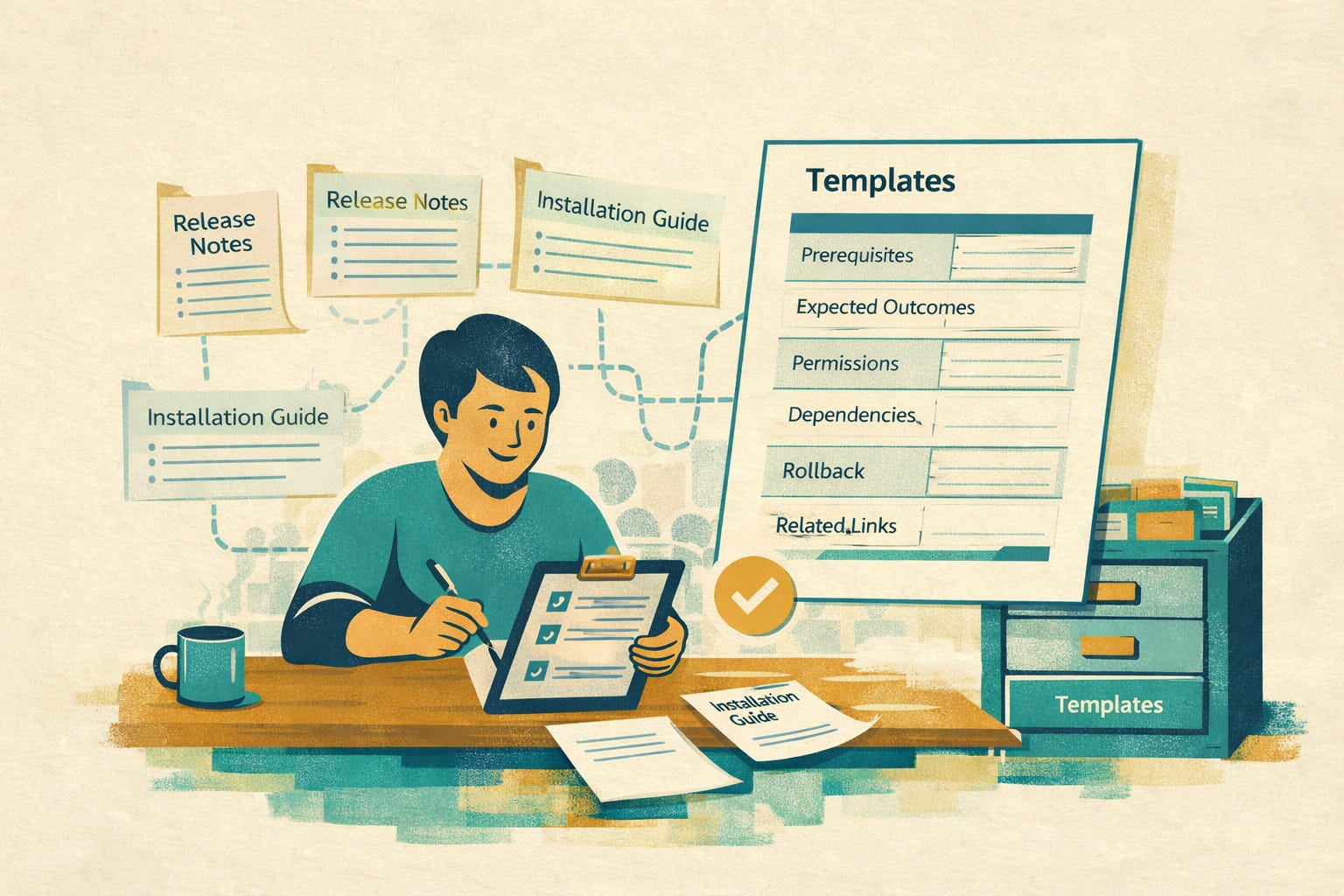
But seriously, if your team routinely creates release notes, installation guides, API reference pages, migration instructions, troubleshooting topics, or knowledge base articles, nobody should be starting from a blank page every time like a settler arriving in an uncharted wilderness.
Templates likely reduce decision fatigue by eliminating unnecessary choices, lowering cognitive load, and acting as memory aids. While direct studies on content-creation templates are limited, adjacent research on choice overload, cognitive load, and checklists supports the claim.
That said, well-designed templates help writers move faster because the structure is already there. They also improve quality because they make it harder to forget the important stuff. If a good template includes fields for prerequisites, expected outcomes, permissions, dependencies, rollback instructions, or related links, we’re less likely to publish content that leaves our user stranded halfway through a task with the emotional support of a vague sentence and a screenshot from last year’s planned roll-out that never occurred.
Templates do not just save time. They help prevent rework.
A Style Guide Should Prevent Fights, Not Start New Ones
A practical style guide is another non-AI productivity booster hiding in plain sight.
Not the kind of guide that reads like it was written by an offended grammarian in a candlelit tower. The useful kind. The kind that answers real questions writers have every day. Do we bold user interface labels? How do we punctuate headings? What tone do we use in troubleshooting content? Do we write in second person? How do we refer to product features consistently?
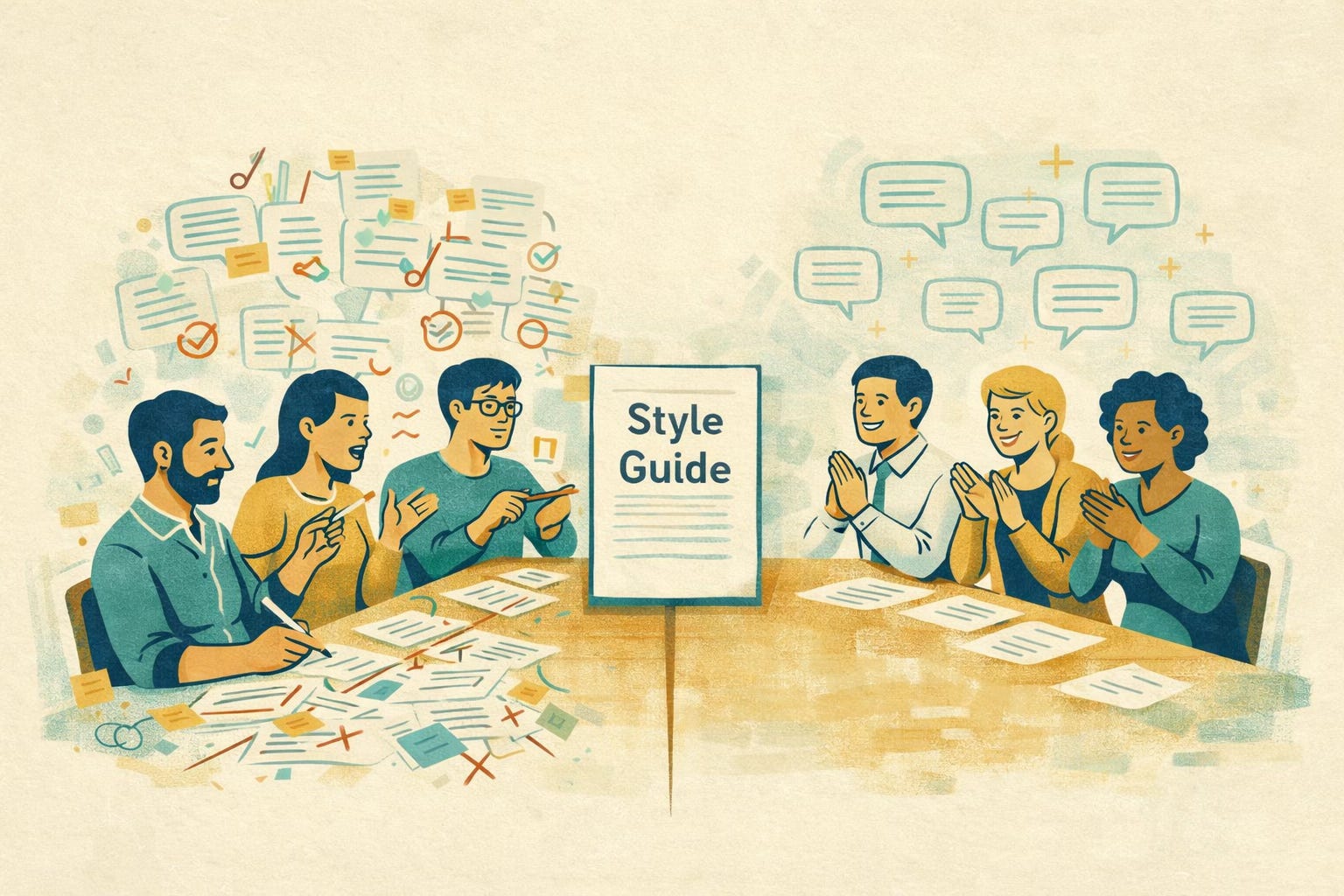
When writers do not have to stop and guess, they move faster. When editors do not have to make the same correction over and over, they move faster too. When reviewers are not inventing their own editorial standards from the depths of their personal belief system, everybody suffers less.
A good style guide is not bureaucracy. It is a ceasefire agreement.
Video ▶️ Melanie Denise Davis (The AI Wrangler) interviews AI training specialist, Bill Raymond, about how AI can extract a style guide from existing docs and help refine, enforce, and reveal content gaps to address next
Terminology Chaos Is a Productivity Problem
One of the easiest ways to slow down a documentation team is to let terminology drift all over the place like a shopping cart in a windstorm.
If engineering calls it a workspace, marketing calls it a hub, support calls it an environment, and the documentation calls it a project, the user is going to assume the company is held together with staples and regret. Writers lose time every time they pause to wonder which term is correct. Editors lose time fixing inconsistent language. Reviewers lose time arguing about words that should have been settled long ago.
A shared terminology list helps writers draft faster, edit faster, and publish with fewer corrections. It also improves findability and makes content easier for users to understand.
Nope, it’s not thrilling. Yep, it matters a lot.
Automate the Boring Parts Like an Adult
Not every automation needs to involve artificial intelligence peering into the void and making probabilistic guesses about what you meant.
Some tasks just need a script.
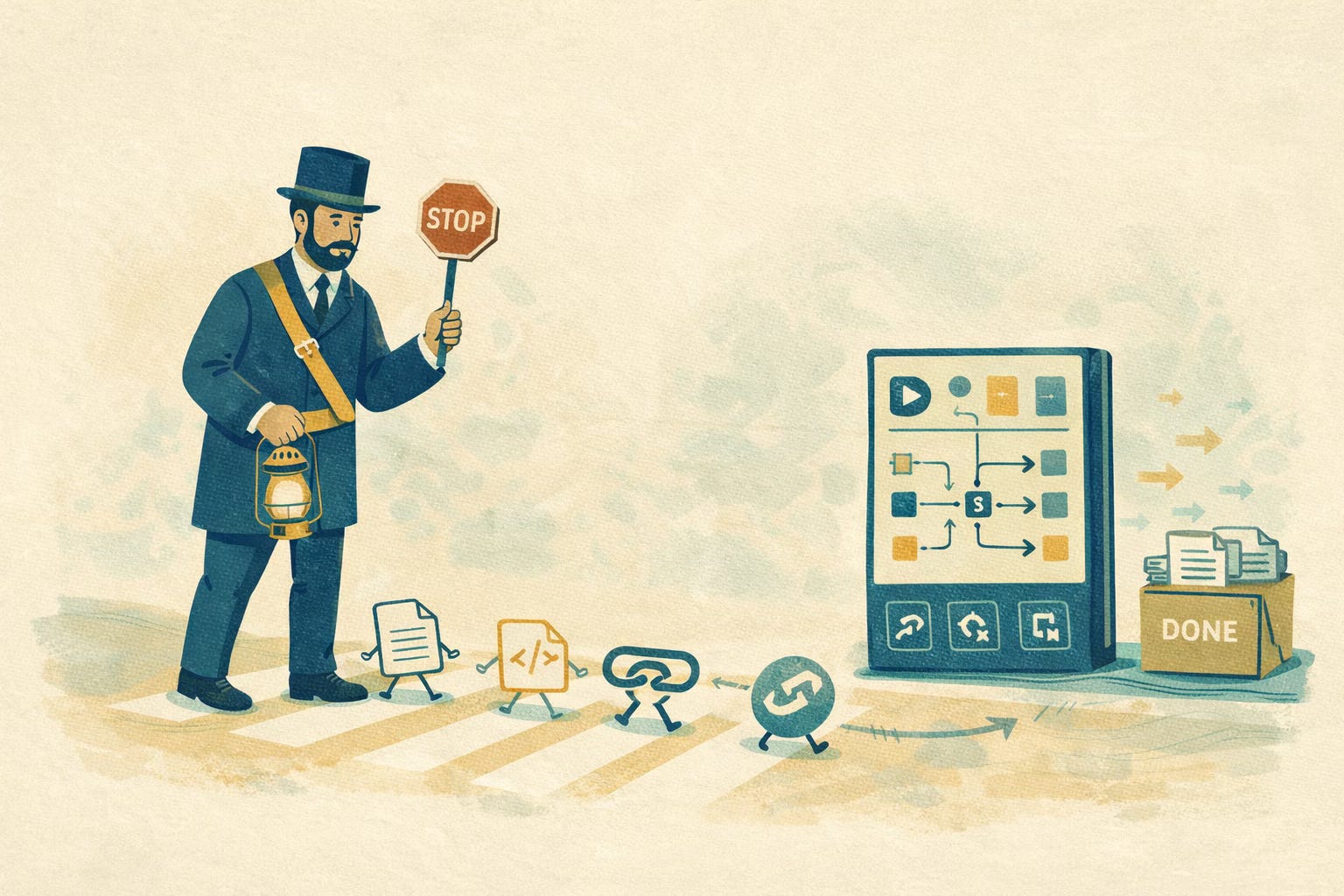
Tech writers can save a surprising amount of time by automating repetitive mechanical work with macros, scripts, validation tools, build pipelines, and batch processes. Link checking, metadata validation, file conversion, publishing, formatting cleanup, table generation, and cross-reference checks are all examples of work that often shouldn’t require a human being to shepherd each step manually like a Victorian crossing guard.
These kinds of automations rarely get called revolutionary because they quietly do what they are supposed to do. But they give writers more time for work that actually requires judgment.
Screenshots Are Often Tiny Time Traps
Screenshots have a way of sneaking into workflows and eating entire afternoons.
Someone has to capture them, crop them, annotate them, save them, name them, store them, place them, and then replace them when the interface changes. Teams that rely heavily on screenshots often pay 💰 for it in maintenance pain later.
That doesn’t mean screenshots are bad. It means we should use them intentionally.
Writers can save time by being stricter about when screenshots are necessary, how they are stored, how they are named, and how much annotation is appropriate. In many cases, clearer task steps and more disciplined use of interface names can reduce screenshot dependence altogether.
Sometimes the best screenshot is the one you never had to update.
Review Workflows Shouldn’t Feel Like Public Punishment
Review processes are another classic productivity sinkhole.
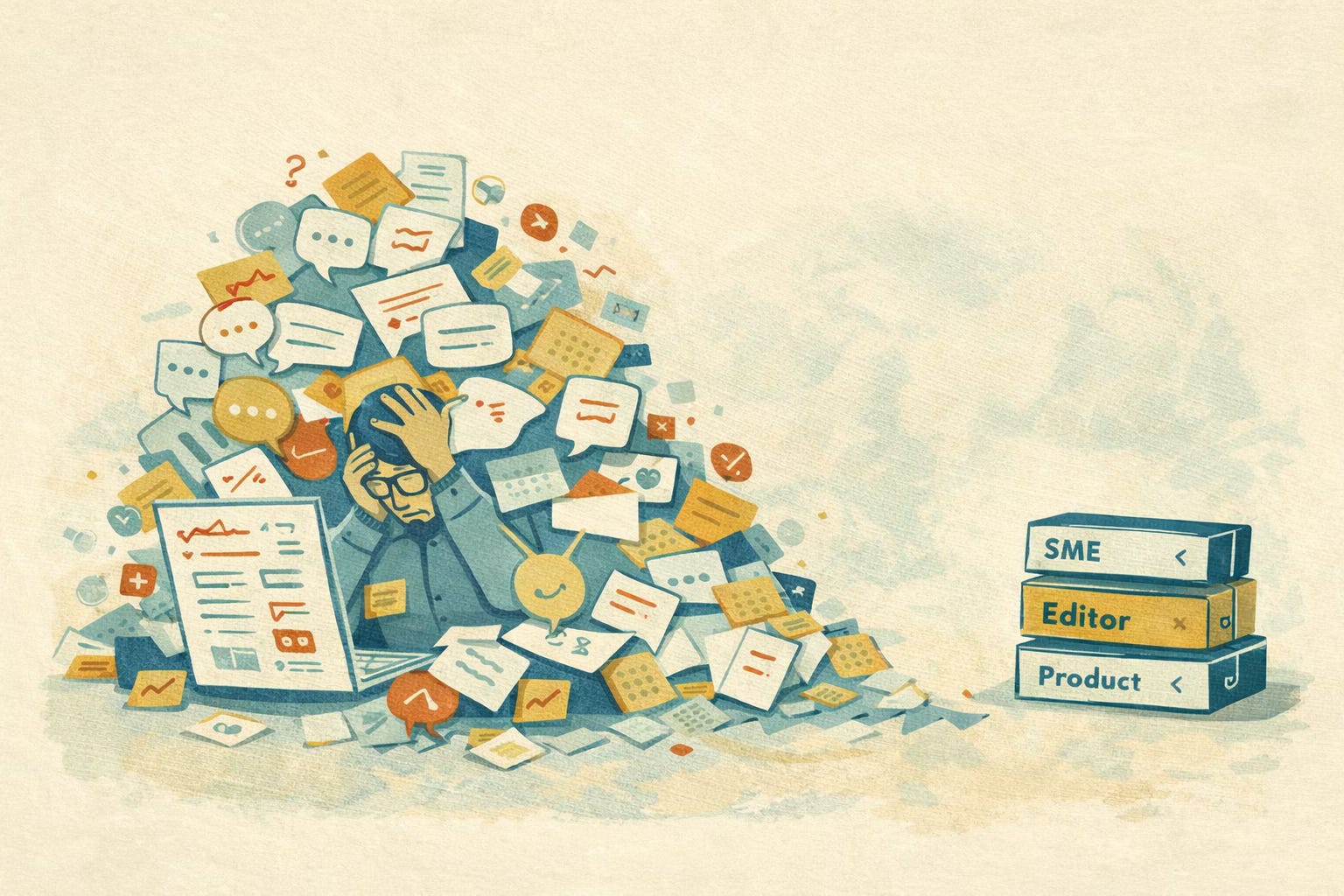
When too many people review the same content, or when reviewers are unclear about what kind of feedback they are supposed to provide, writers get trapped in comment avalanches. Technical corrections get mixed with style complaints, random preferences, conflicting opinions, beliefs, and the digital equivalent of someone wandering into the room to announce they “just had a few thoughts.”
A better review workflow makes roles clear. Subject matter experts confirm accuracy. Editors focus on clarity and consistency. Product owners confirm release alignment. Everyone else can reflect on whether their comment is actually needed.
The goal of review is not to create more review. It is to improve the content efficiently.
If You Can’t Find It, You Can’t Reuse It
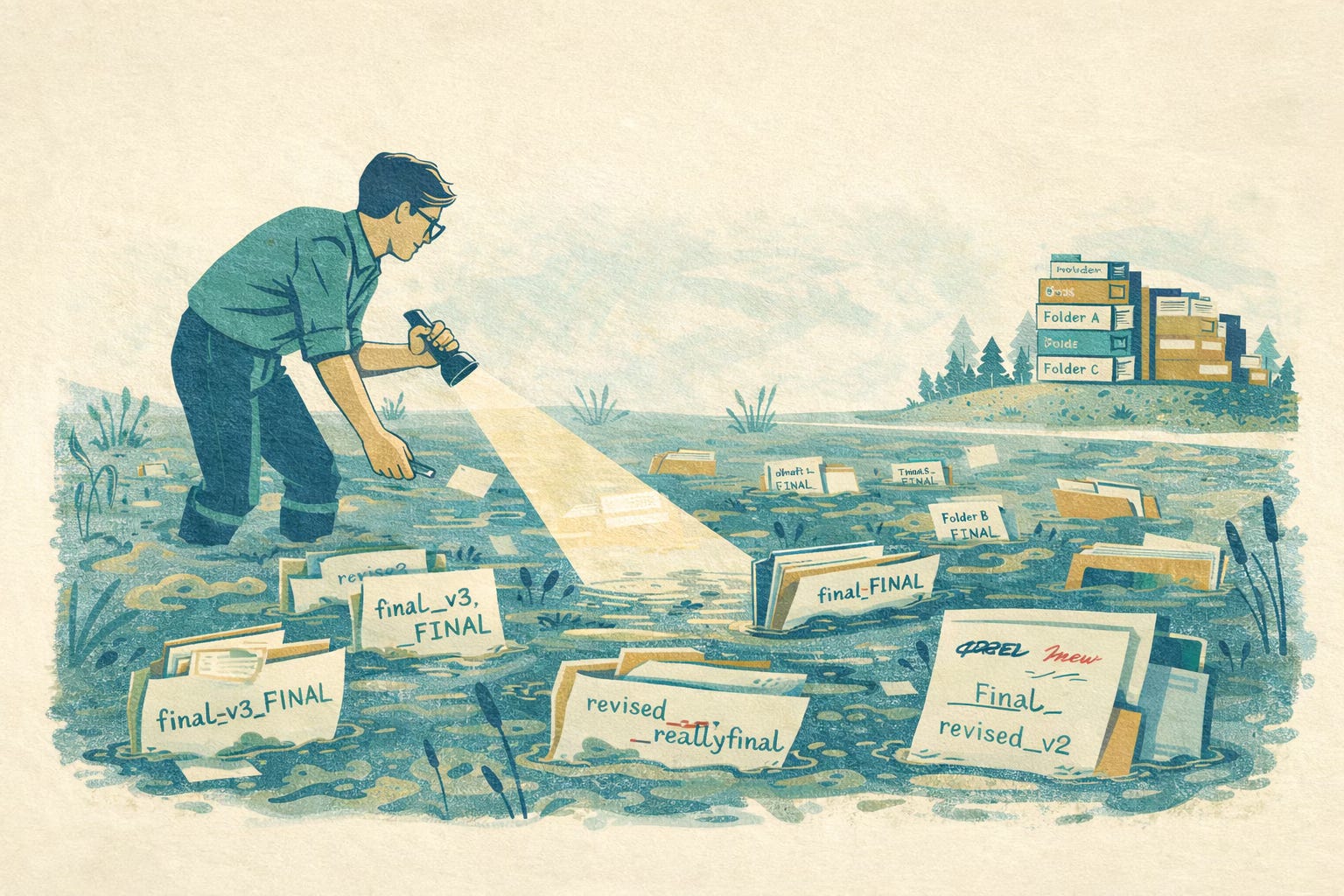
Many writers waste time not because the content does not exist, but because it may as well be buried under six layers of naming nonsense and a folder structure conceived in despair.
If locating an existing topic requires opening a dozen files called things like final_v3_FINAL_revised_reallyfinal, then the docs team doesn’t have a productivity problem so much as a content swamp.
Better naming conventions, clearer metadata, consistent folder structures, tagging, and internal search practices all make it easier to find and reuse existing work. Which means less time reinventing content, reduced duplication, and fewer moments of realizing you have just written a procedure that already existed in slightly better form nine months ago.
You cannot build efficiently on material you cannot locate.
Checklists Are Not an Insult to Your Intelligence
People love to act as though checklists are beneath them right up until they forget something important and create three days of cleanup work for themselves and everyone nearby.
Following simple publishing, release, and quality assurance checklists can reduce errors, speed up handoffs, and prevent repeated mistakes. That matters because even experienced tech writers are human, and humans often miss intended actions or steps, and can be overconfident about their memory and future follow-through.
Checklists are not a sign that the work is simple. They’re a sign that the work matters enough to do carefully.
Meetings Are Frequently The Productivity Villain
Sometimes the problem is not the writing workflow at all. Sometimes it’s the fact that the writer is expected to sit through five meetings about a thing that could have been resolved in a short written update.
We tech writers lose huge chunks of time to unnecessary meetings, unclear agendas, repetitive status conversations, and long discussions where no decisions are made and everyone leaves with a calendar invite for another meeting. Protecting uninterrupted work time is one of the simpler ways to improve productivity for knowledge workers, because interruptions and task switching reduce perceived productivity, work effectiveness, and focus. And yet, many organizations treat it like an extravagant personal request, on par with demanding grapes 🍇 peeled by servants.
We need time to think, organize, draft, revise, and verify. That generally happens better when we’re not being pulled into every conversation within a three-mile radius.
Productivity Is Really About Reducing Friction
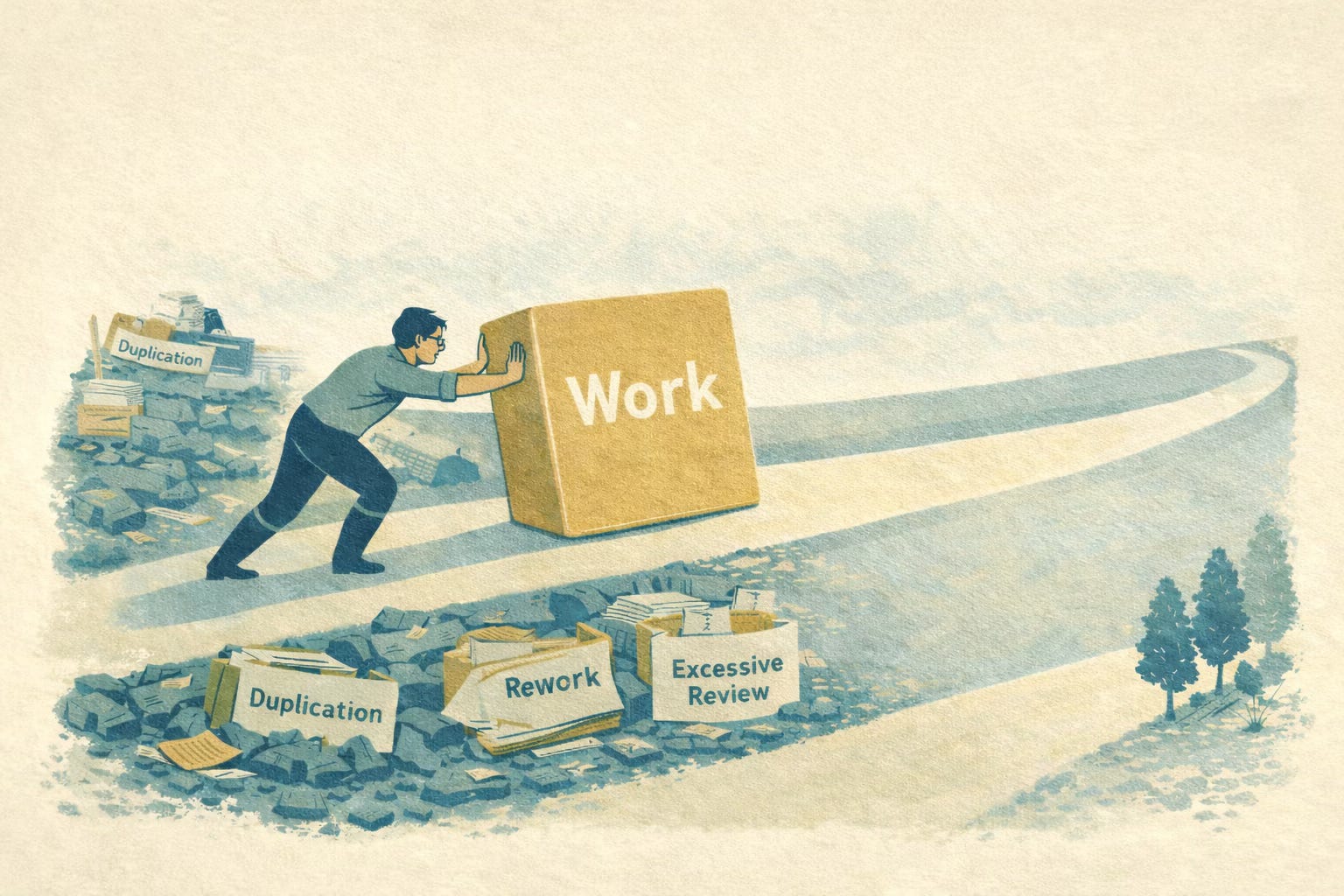
This is the part tech writers often miss. Productivity isn’t just about going faster. It’s about removing waste.
It’s about reducing repeated effort, unnecessary decisions, preventable mistakes, avoidable inconsistencies, and time-consuming cleanup. It’s also about making work smoother, more reliable, and less dependent on memory, guesswork, and personal heroics.
Non-AI productivity improvements are so valuable because they’re practical. They’re also typically inexpensive and usually improve quality as they save time. They tend to solve the operational problems that make tech writers slower in the first place.
Which, frankly, is more useful than being told for the forty-third time that a chatbot is about to revolutionize everything except your broken review process, your duplicate content, your naming conventions, and the engineer who still refuses to answer questions in complete sentences.
Ask the Most Useful Question
We don’t need to wait for a formal AI initiative to become more productive. We can (and should) start by looking at the repeated irritations that waste time every day and asking one very practical question: Why is this still manual?
That question leads to text expanders, reuse strategies, templates, terminology lists, style guides, scripts, checklists, better search practices, smarter review workflows, and stronger content operations. It leads to better systems, not just faster typing.
And better systems are what make productivity stick.
Because sometimes the smartest way to improve the future of documentation is not to start by adding artificial intelligence. It’s to stop tolerating avoidable stupidity. 🤠